Step-by-step included
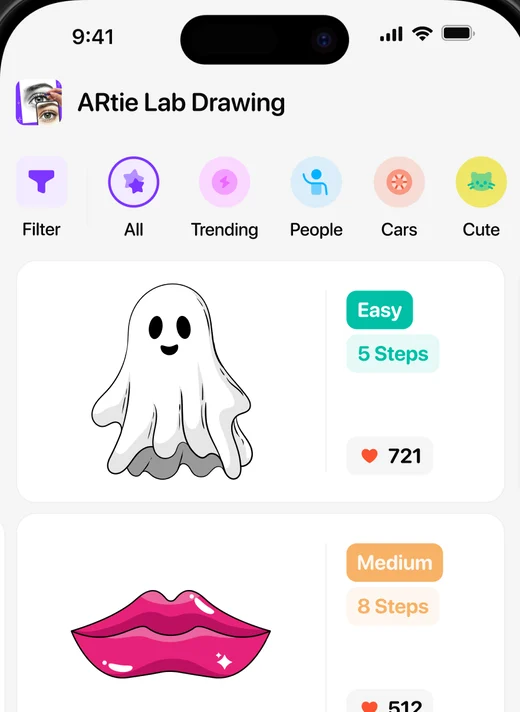
Lessons split every drawing into simple steps, from Easy to Hard. Start with a 5-step ghost and work your way up.
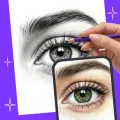
Put your phone above a sheet of paper, see the picture through the screen and trace it line by line. No skills needed.


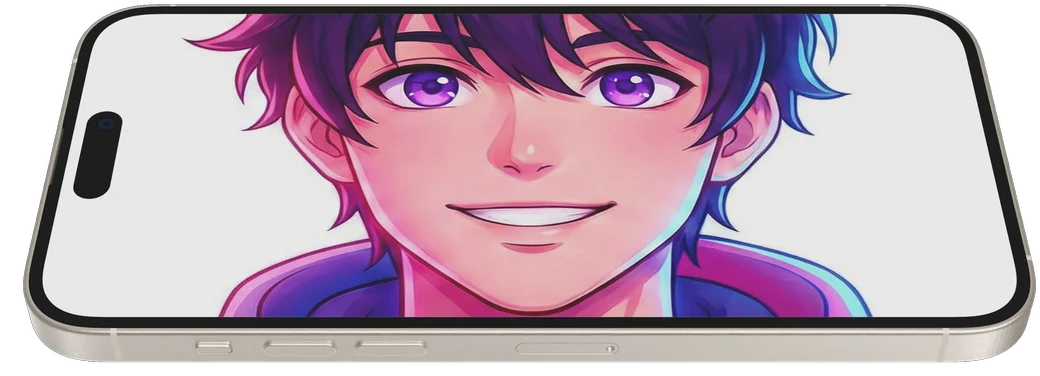
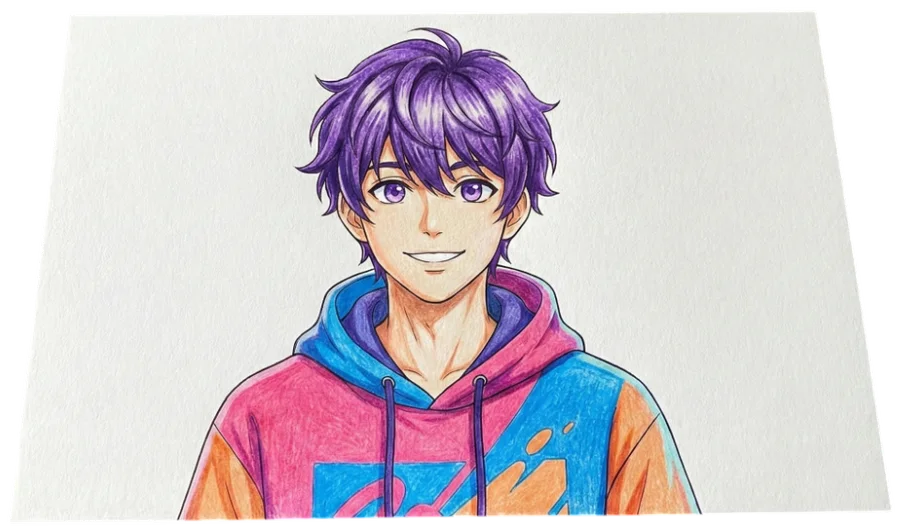

Choose from 300+ templates, create one with AI or upload your own photo.
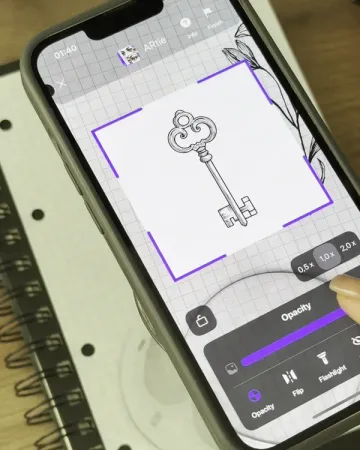
Rest it on a glass or a stand. The picture appears over your sheet through the camera.
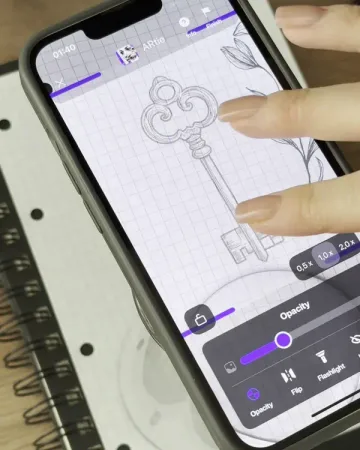
Follow the lines with a pencil. Adjust opacity, flip the image or turn on the flashlight.
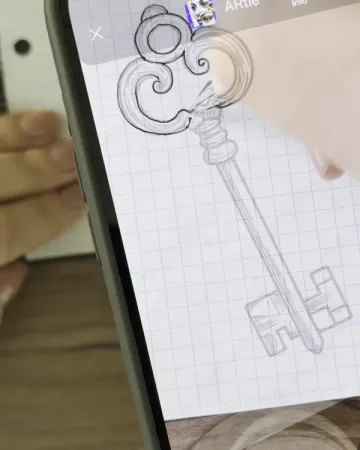
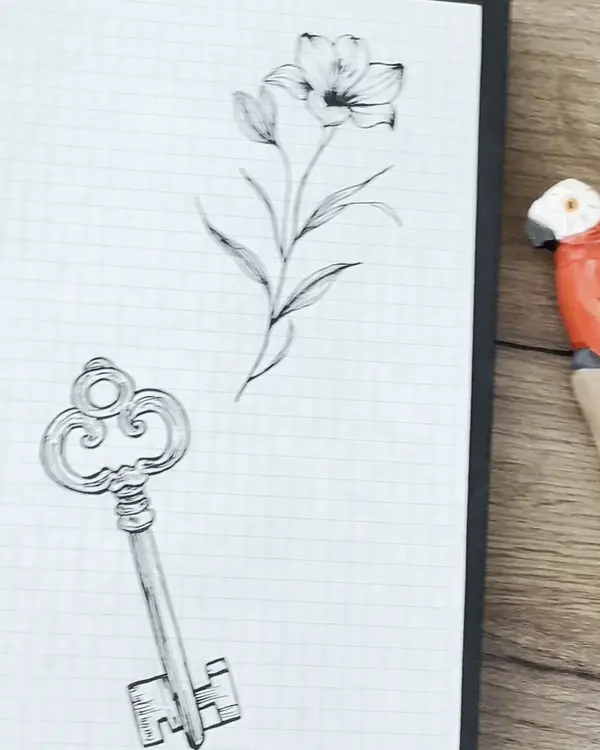
From quick doodles to full portraits. Open a category and start with whatever makes you want to draw.









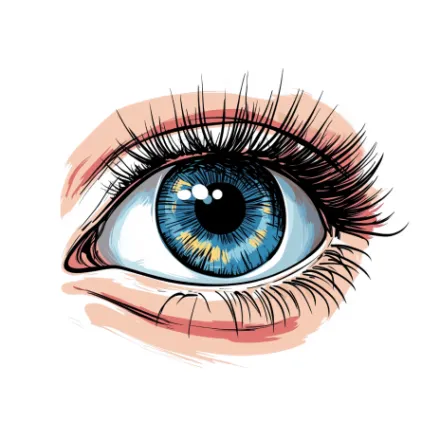




Lessons split every drawing into simple steps, from Easy to Hard. Start with a 5-step ghost and work your way up.
The same lily, drawn again. Keep tracing and your hand learns the lines.



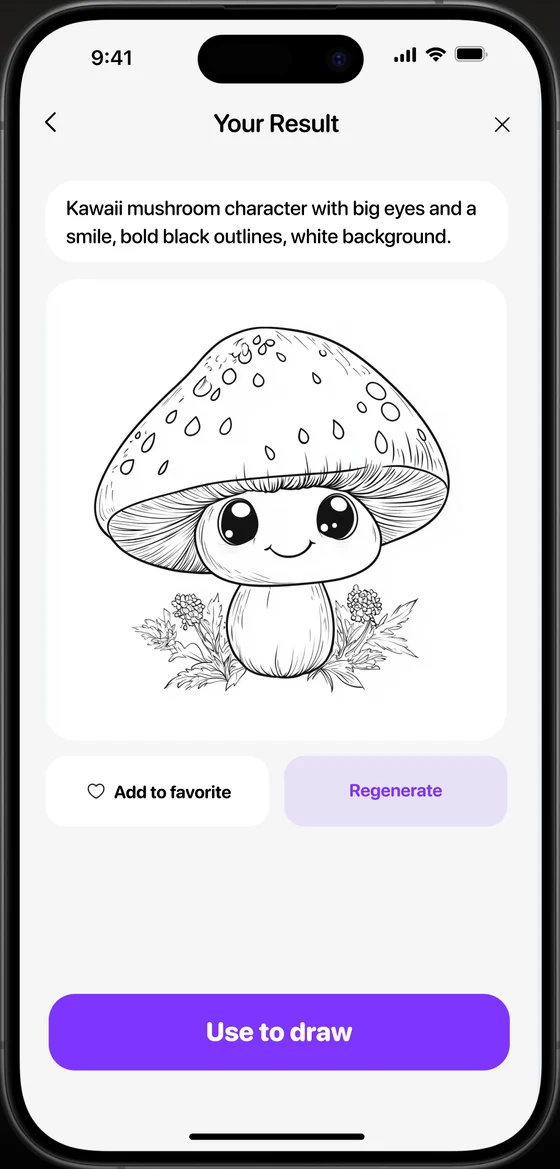
Describe an idea and get a clean sketch to trace. Or upload a photo and turn it into line art.
Kawaii mushroom character with big eyes and a smile, bold black outlines, white background.
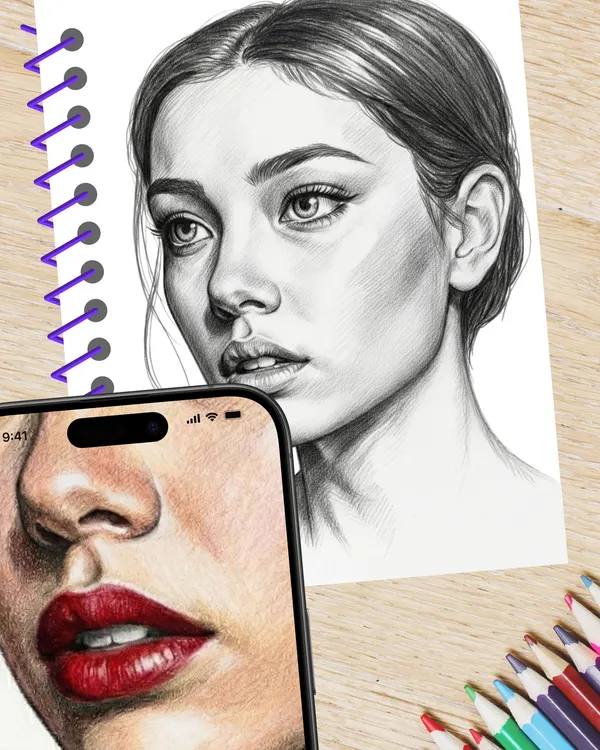
No. You trace the lines you see on the screen. Lessons go step by step, starting from Easy.
A phone, a sheet of paper and a pencil. A glass or a small stand keeps the phone steady above the paper.
Yes. Upload a photo and turn it into a sketch, or describe an idea and let AI draw it.
Yes. There is a For kids category with simple, cute drawings. No account and no ads.
It is free to download on the App Store and Google Play. See the store page for in-app purchases.
Download ARtie Lab and trace your first picture today.